IP address management for IT providers and MSPs
When you run networks for many customers, anyone on the team must be able to look up an address at any customer – and see who changed it last.
A typical day
The on-call phone rings: a customer has lost access to a file server after a new printer was plugged in. The engineer on call has never been to this customer.
In ipmanager there is already a critical conflict: the collector at the customer has seen two MAC addresses on the file server's IP – the file server and the new printer. The audit log shows who added the file server. The conflict is found before she has opened the VPN connection.
Typical layout
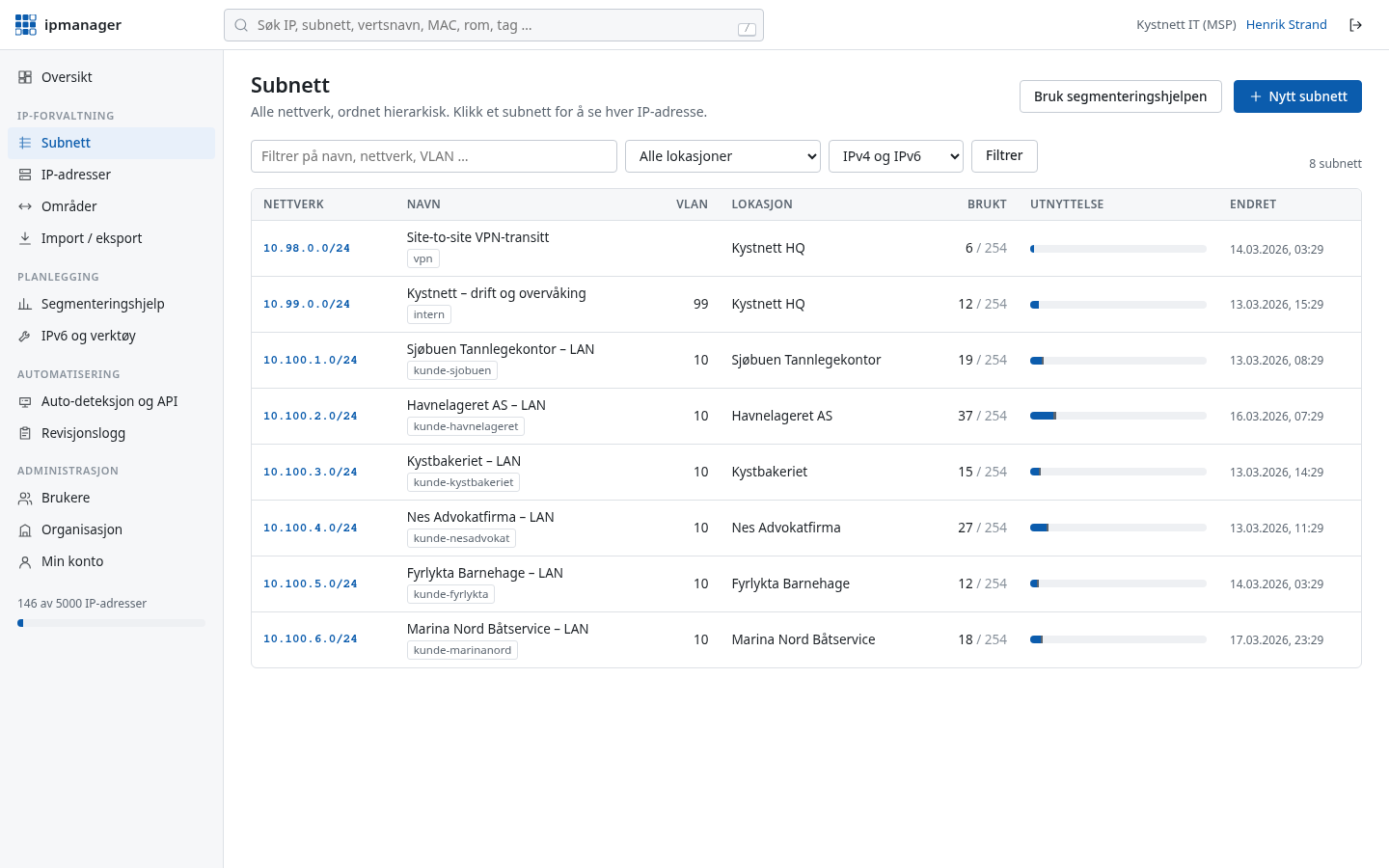
Give each customer its own unique address range. That way every customer can be reached over VPN from your operations network without address clashes. The customer is recorded as a site and tag, or as a separate organisation when the customer needs access themselves.
| Customer / segment | Site | IPv4 | Notes |
|---|---|---|---|
| Customer A – head office | customer-a | 10.101.0.0/16 | /24 per function |
| Customer B – office and warehouse | customer-b | 10.102.0.0/16 | Collector on the warehouse server |
| Customer C – GP surgery | customer-c | 10.103.0.0/16 | Medical devices in their own VLAN |
| VPN transfer networks | ops | 100.64.0.0/22 | /30 or /31 per tunnel |
| Operations network | ops | 10.100.0.0/24 | Jump hosts and monitoring |
How ipmanager helps
One search across everything
Search by IP, hostname or MAC across every customer network in the organisation.
Site and tags per customer
Organise networks per customer with sites and tags, and narrow searches with site: or tag:.
Collector and conflicts at the customer
Run the collector on a server at the customer's site – outbound HTTPS only. It finds conflicts such as duplicate IPs and can check the customer's internal DNS with --dns-check.
API for your own tools
Read and update addresses from your PSA, RMM or own scripts through the REST API.
Separate organisation when needed
If the customer needs access themselves, they can have their own organisation with their own users.
Audit log and snapshots
A record of who on the team changed what, and snapshots that put the inventory back if importing a customer's old spreadsheet went wrong.
Read also: REST API · Auto-discovery · Features
Get your IP addresses under control today
Free for up to 100 IP addresses. Sign-in details by email immediately, no credit card.